Microsoft Thunderbolt 4 Dock - poor design and compatibility
I had high hopes for the Microsoft Thunderbolt 4 Dock but they were soon gone after putting through the rounds. I recommend the Razer Thunderbolt 5 Dock Chroma instead. My main issues with the Microsoft dock:
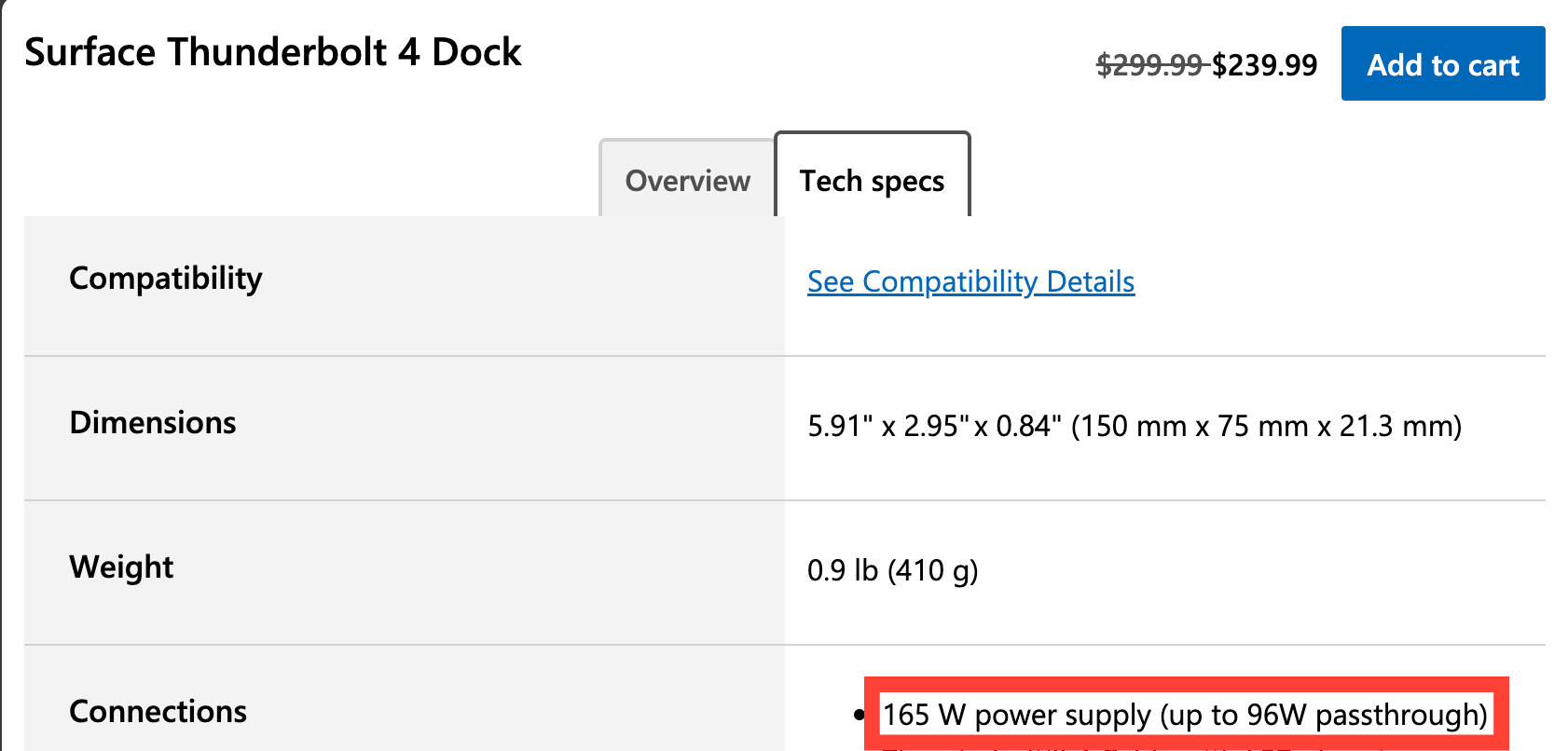
1, Weak power delivery / poor device compatibility. Despite being marketed with Thunderbolt 4 and a 165W power supply, it only delivers 96W. I was not able to get the dock charging and displaying the video from my Lenovo T14P (2024) laptop at all, even though the Lenovo came with a 140W power supply and on casual use it is less than 70W consumed. At the minimum I expected slower charging and video, and not no charging + no video output.
2, Terrible compatibility with USB-C to HDMI adapters. There is no HDMI port on the dock, so I had to use USB-C to HDMI adapters. The same adapters that worked perfectly fine on other laptops - both PC and Mac - would not work when connected to the Microsoft Thunderbolt 4 Dock.
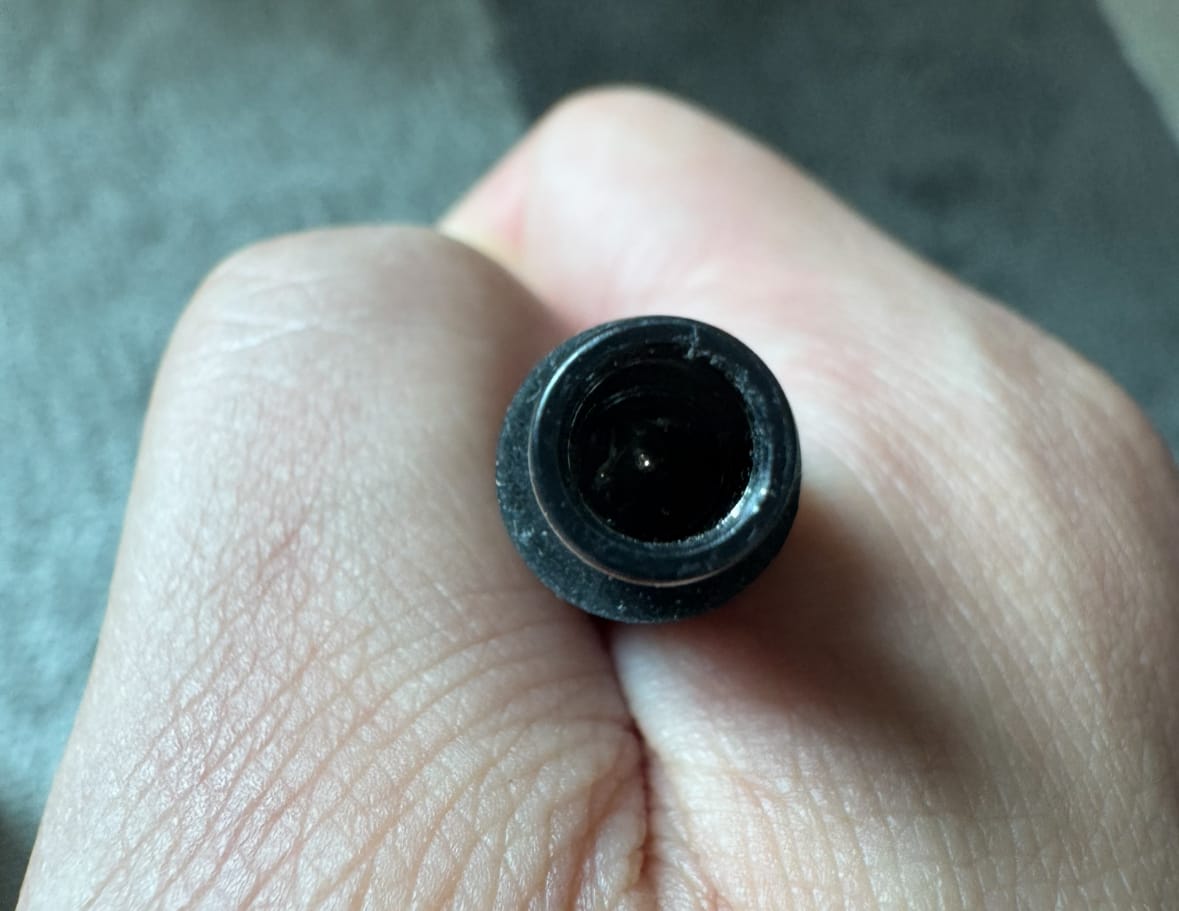
3, Fragile power connector. The cable from the power brick to the dock consists of 1 pin. Even under normal insertion for the first time, it misaligned somehow with the receptable on the dock and got bent so I couldn't plug the cable in. I had to use tweezers to bend it back into place before retrying a few times to get the alignment perfect.
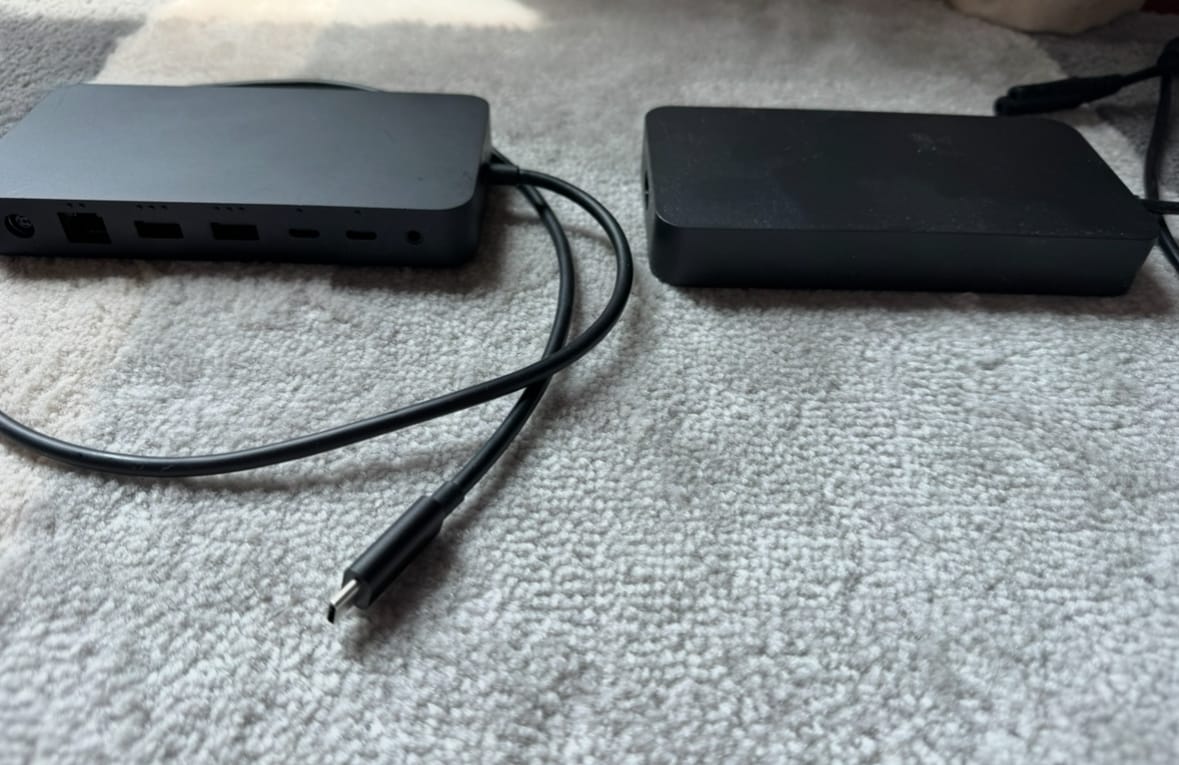
4, The power supply is huge. The picture below is the dock and power supply side-by-side. If it weren't for the connectors, you can barely tell them apart at a glance. Microsoft should ship with a GaN adapter which is less than 1/2 the size.
What dock is recommended instead?
I recommend the Razer Thunderbolt 5 Dock Chroma. Yes, you read that right. Thunderbolt 5, not 4. I've had no device nor USB-C to HDMI adapter compatibility issues using the exact same devices.
The Razer dock also works great with all my PC laptops as well as my 16" MacBook Pro M4. It comes with a 250W power supply that can delivers a whopping 140W to the laptop, which is enough for almost all gaming laptops.
Compatibility aside, the Chroma lights are cool and there even is a M.2 Slot (PCIe Gen4x4) for a SSD addition.
Razer has the same power supply downside as Microsoft. The power supply is about the same size as the dock itself, so it is a bit of a space hog. Again, I wish there was a GaN option that is smaller.
The dock's fixed power cable that connects the power supply to the wall is a bit short at 80cm, so it's not that suited for standing desks if you're about 180cm/6ft tall. In this case, if the power supply sits on your desk surface, the power strip is lifted off the ground. If you put the power supply on the floor, then the USB-C cable powering your laptop is not long enough to reach your laptop.
The best alternative is to mount your power strip to the underside of your desk. For me, I just put the power supply on my desk surface and let the power strip get lifted off the ground as I have enough cables plugged in, there is a very low chance of the dock's power cable being separated from the power strip from the weight of the power strip.