Microsoft: Merge the Photos and Snipping Tool teams (Part 2)
In Microsoft: Merge the Photos and Snipping Tool teams (Part 1) I talked about the lack of Scan Text consistency.
In this post, I will talk about the absence of Shapes; the lack of consistency between Photos and Snipping Tool.
Shapes is selected via the icon below in the Snipping Tool.

Shapes is what allows a clean shape such as a square/rectangle with straight edges to be added to an image to highlight items in the image.
In Photos, without Shapes functionality, a user would have to select Edit, then use the Markup functionality shown below, which is basically "hand drawn", resulting in unprofessional looking markup because it's really hard to draw straight lines and perfect right angles.

If you're somehow lucky though, you might see this tool tip. It's not consistently displayed, so if you missed it the first time, good luck on discovering it.
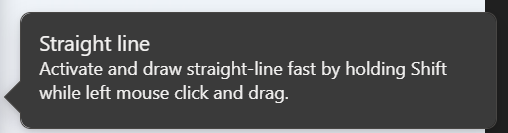
Photos - no Markup; straight lines (based on tool tip awareness luck)
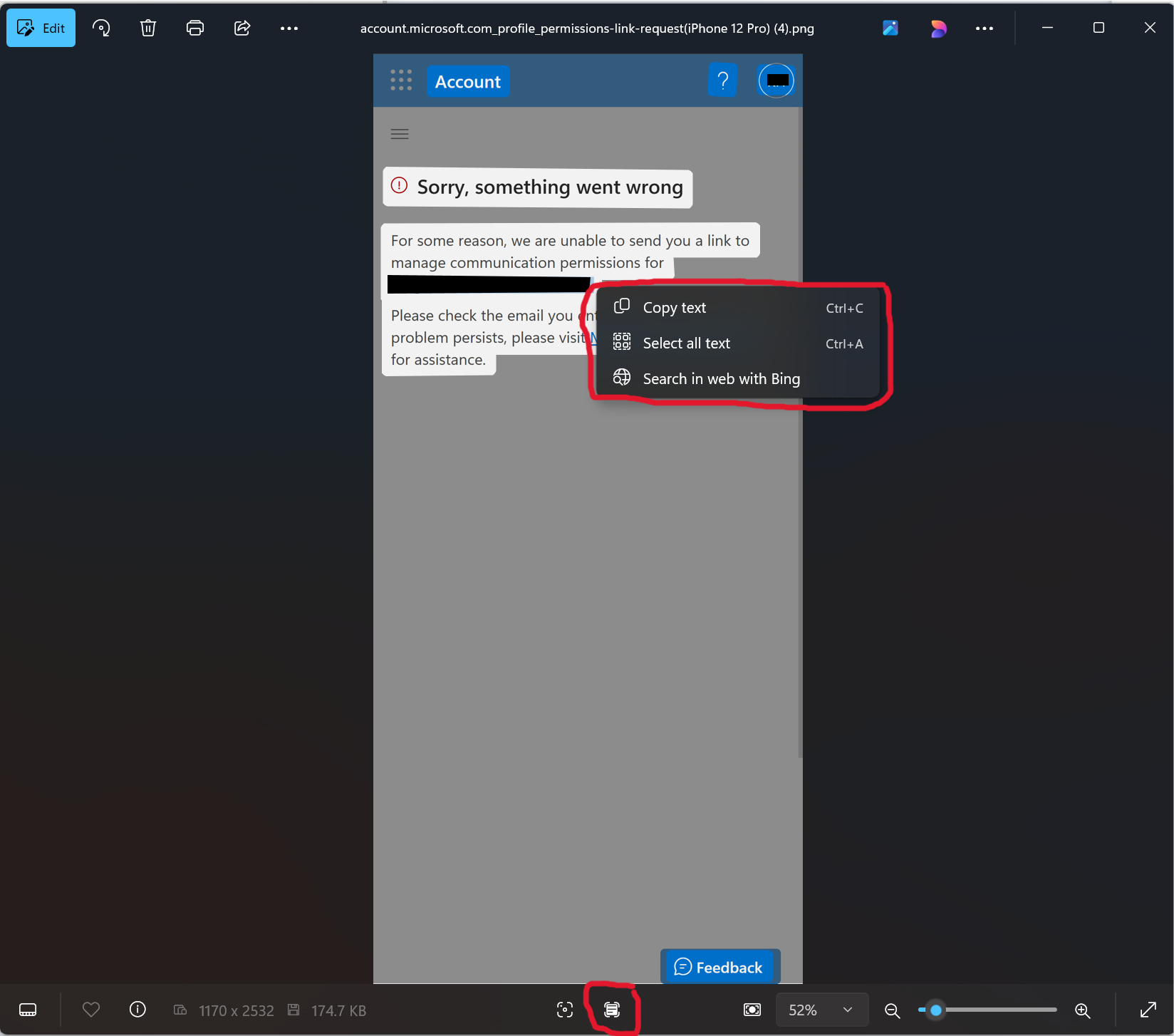
Snipping Tool - Markup; professional markup
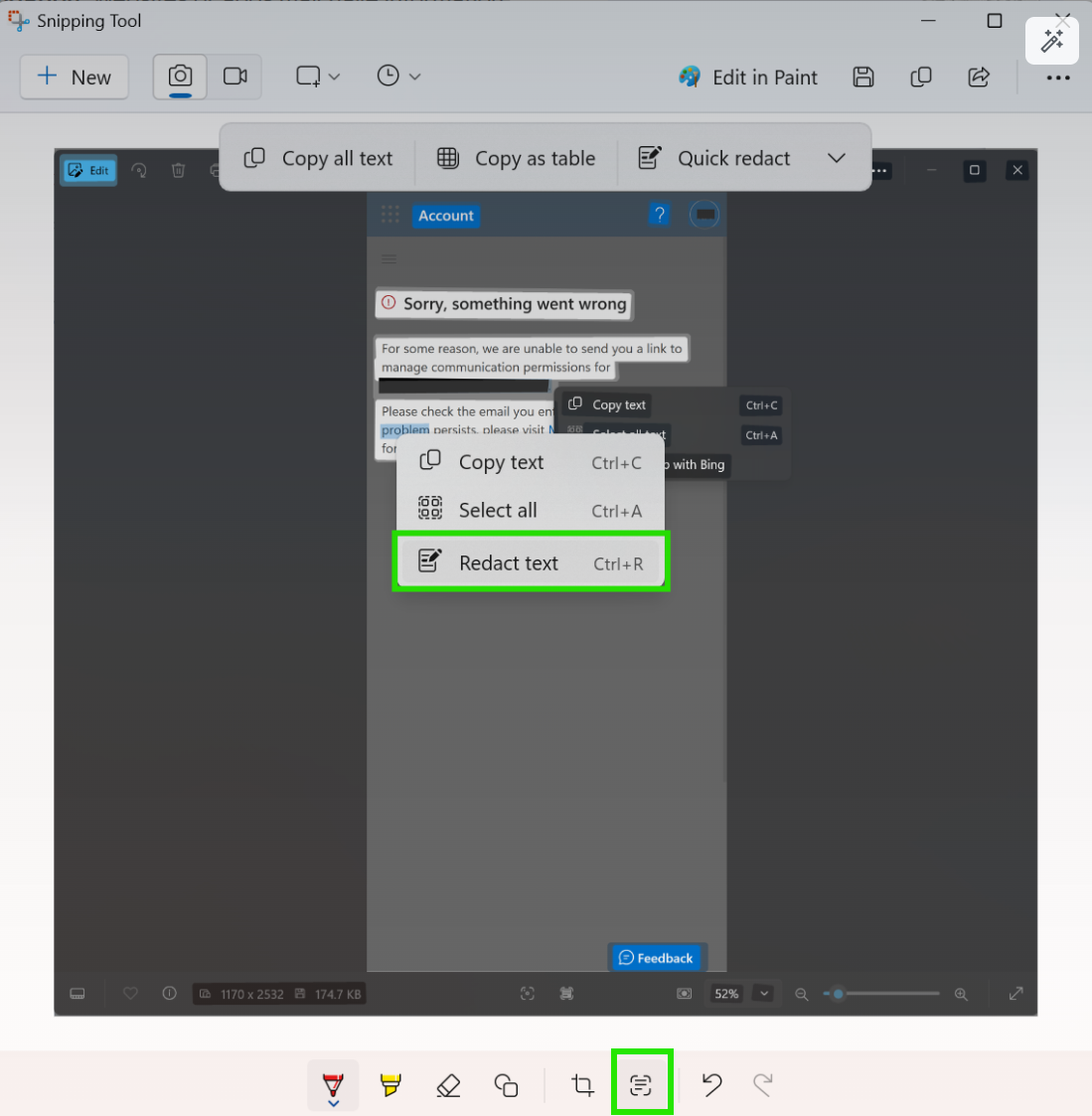
If you've read this far, note the irony that I had to use the Snipping Tool several times to create the images to illustrate the lack of Redact Text and Shapes functionality.