How to delete an immutable Azure Storage account
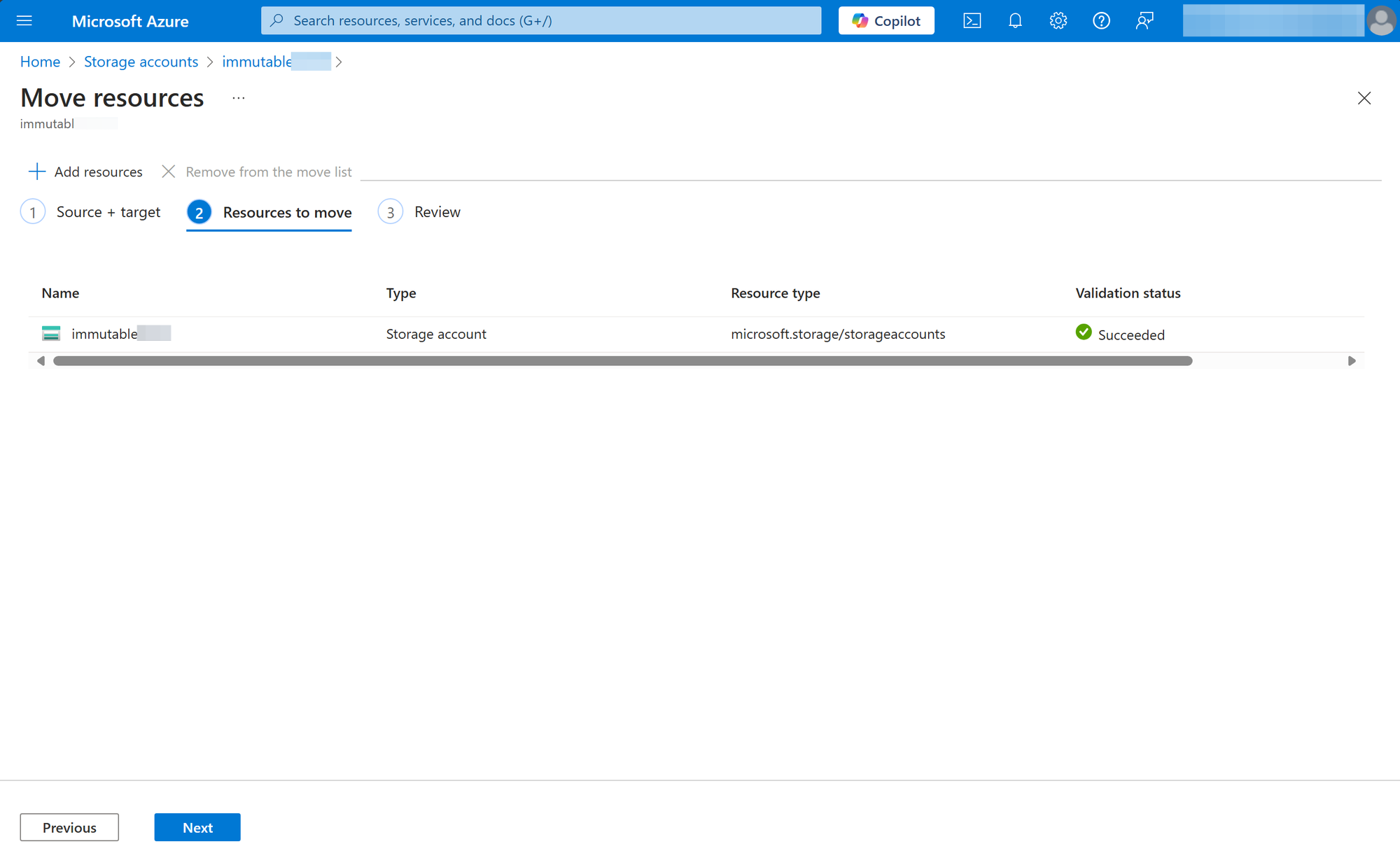
The best way is to move the immutable storage account to another Azure subscription, and then cancel the Azure subscription containing the immutable storage account.
I'm hoping you found this page because all the other pages you searched did NOT actually result in a successful deletion. Trust me, I've tried Microsoft's primary documentation and all the top search results in 2025 talking about disabling immutability and then using CLI and they all failed. It's this last resort instruction buried in Microsoft's documentation that worked.
Using this Azure subscription cancellation method does take many days for the cancelled sub to disappear, but the storage account is inaccessible during that time and the process is handled by Azure. You don't need to do anything else.