Fix Windows: Where is new content saved
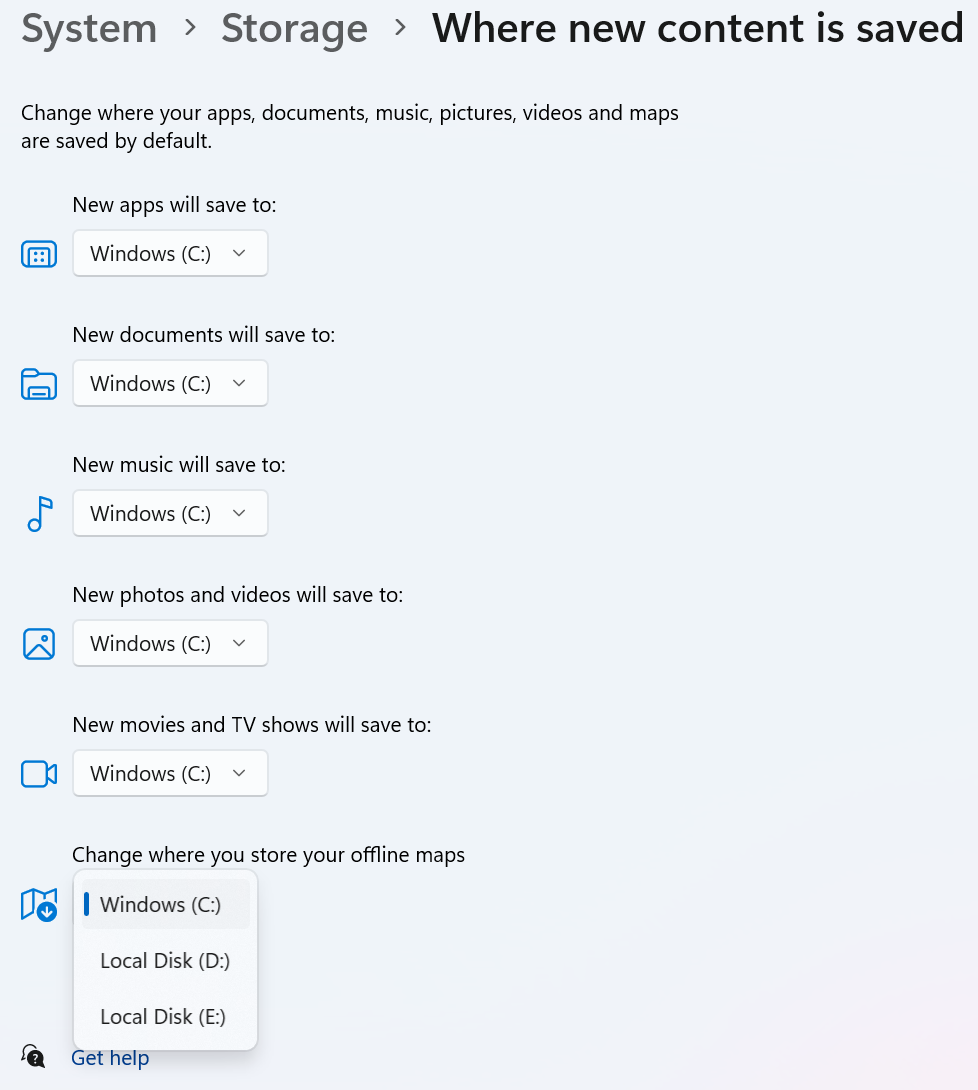
Ever seen this screen in Windows 11? It's pretty useless to most consumers.
Why is it useless to most consumers?
- Only local disks are supported - Why isn't OneDrive an option? Microsoft, you're missing out on cloud storage monetization. On that note, it's a tough decision, but once you add OneDrive, some customers will ask for Google Drive.
- No folder-level specificness - Does Microsoft really expect people to dump files to the root of the drive? Microsoft's own apps also diverge on locations between apps and for file types. Using .png files as an example:
- Snipping Tool goes to Pictures --> Screenshots
- Edge goes to Downloads for all file types downloaded from the web. It doesn't matter whether it's .png or not.
- No app-specific configuration - it's unclear which apps respect these settings, and to what extent. Do these settings apply to Microsoft apps only or all apps? If all app, then it would presumably be based on file extensions like .png or .mp4. However, as noted above, file locations differ even for the same file type.
- Lack of offline maps clarity - spoiler alert! This setting only applies to Microsoft Maps app.
- Most consumers won't care because Bing Maps market share is low.
- Some consumers are left hanging on whether this applies to Google Maps or even other mapping services or app.
To discover what offline maps was about, I actually clicked on Get help and typed in offline maps to try and figure out what this thing is.
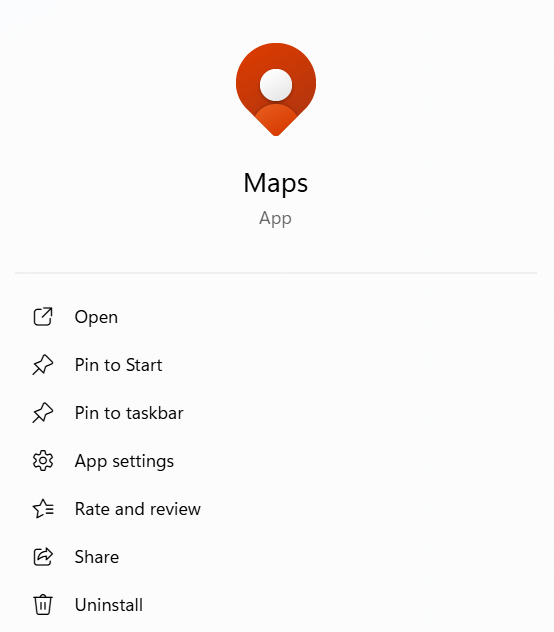
As it turns out the Microsoft Maps app is EOS.
Clicking on the go.microsoft.com link will bring you to this deprecated features page telling you Microsoft Maps was deprecated in July 2025. I'm on Windows 11 25H2 from September 2025, so why do I need to manually uninstall this deprecated app? Either Microsoft does it for me, or it should provide an option to choose whether to uninstall the app or not during the 25H2 upgrade. This allows:
- the handful of users that use offline maps to keep using it.
- many more users believe Windows 11 is getting less bloated over time.
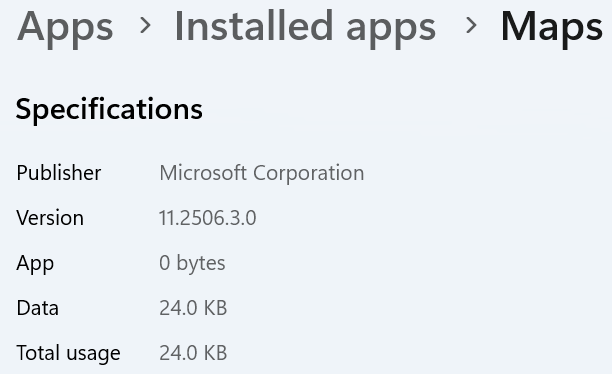
The truth is uninstalling Microsoft Maps from Windows 11 doesn't save much space. Maps is an inbox app. It's listed in the start menu but takes up zero footprint.