Fix Windows: Photos app
In Fix Windows: where is new content saved I discussed the lack of OneDrive as an available save location.
The good news is Photos does promote OneDrive as shown below.
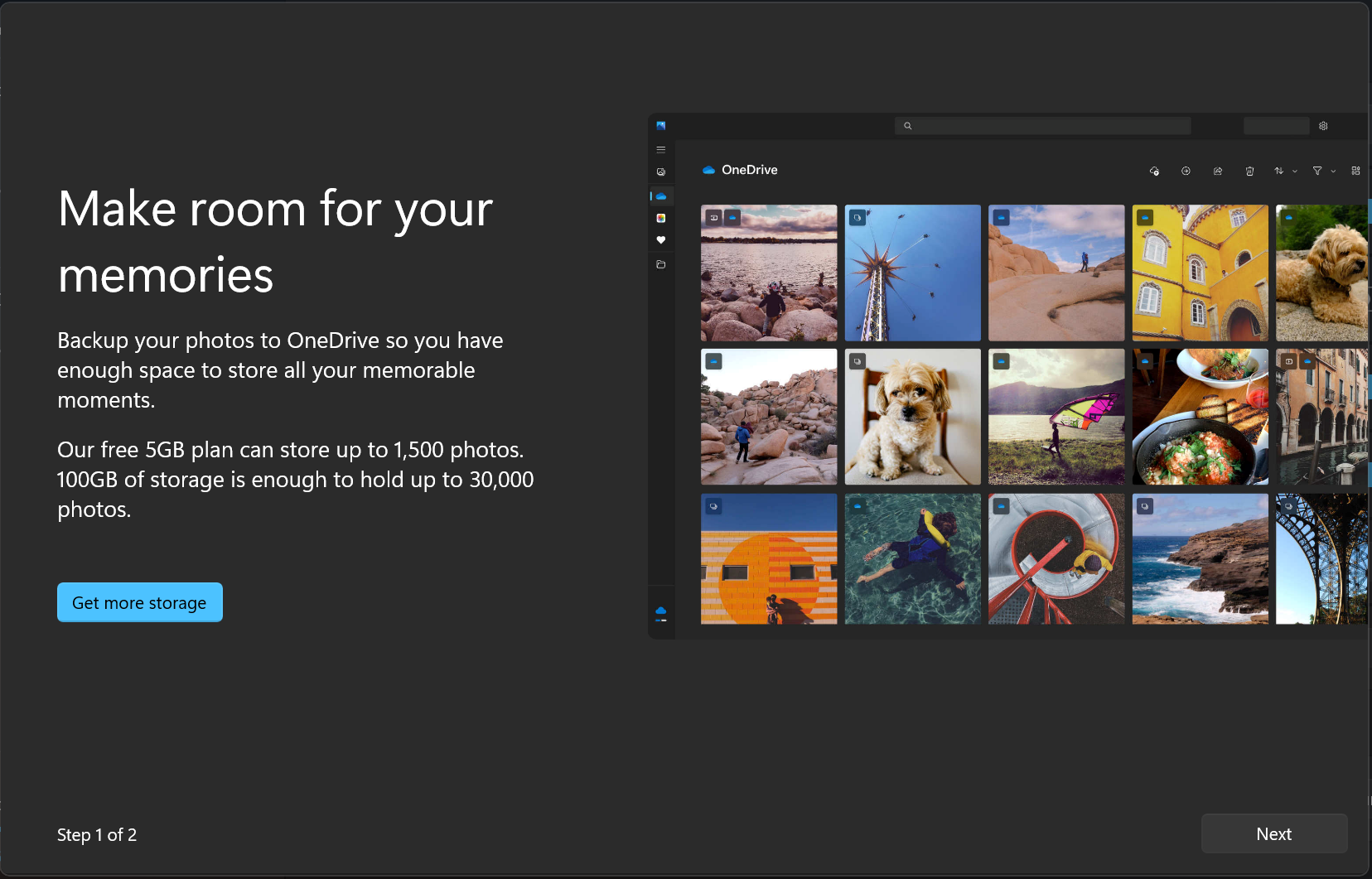
The bug is the promotion is nonsensical. The promotion launches when you go to the Settings of the Photos app. I was recommended to:
- backup to OneDrive.
- get more storage.
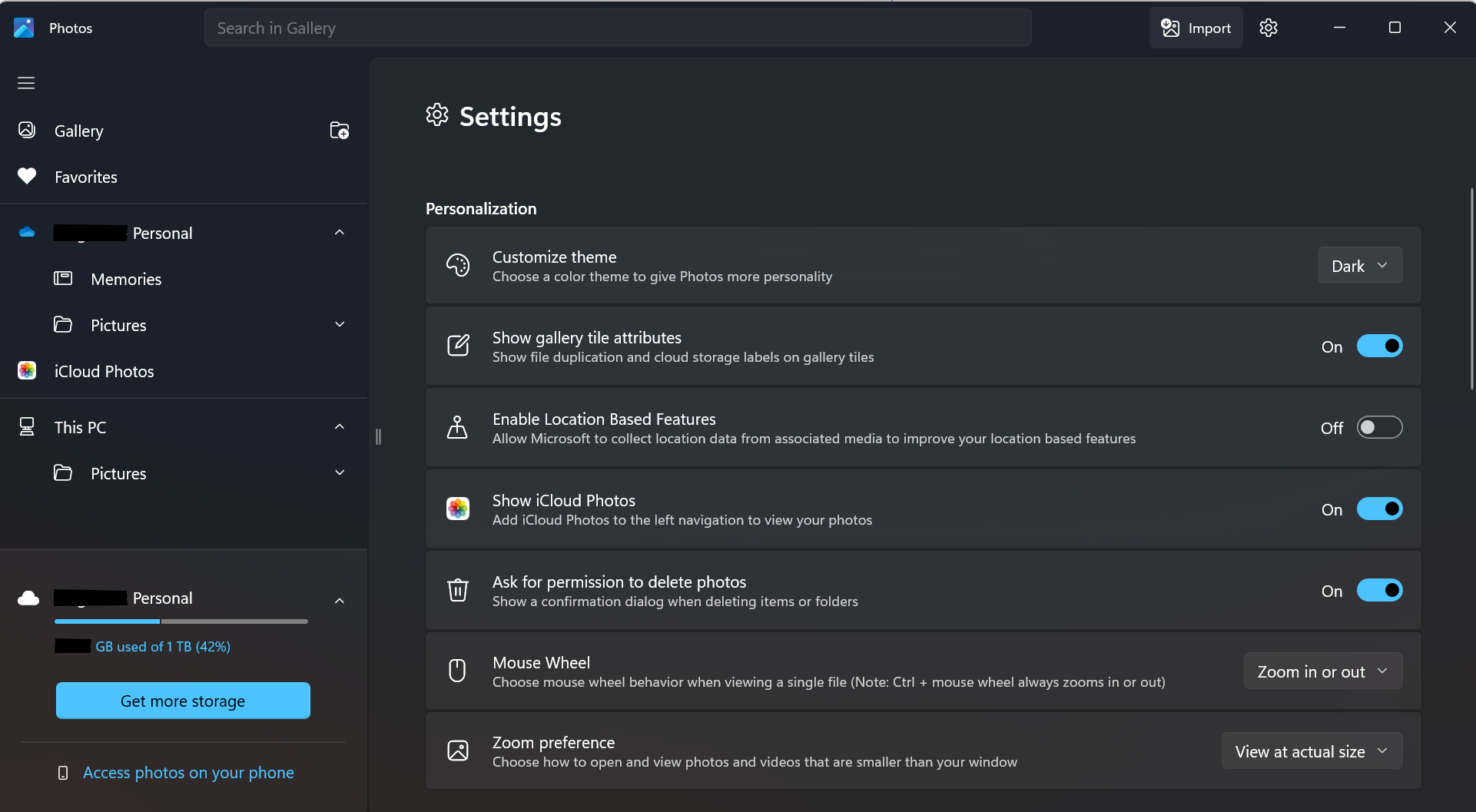
Both do not make sense as my account with 1TB paid storage were already detected by Photos as shown below in the bottom left of the screenshot.
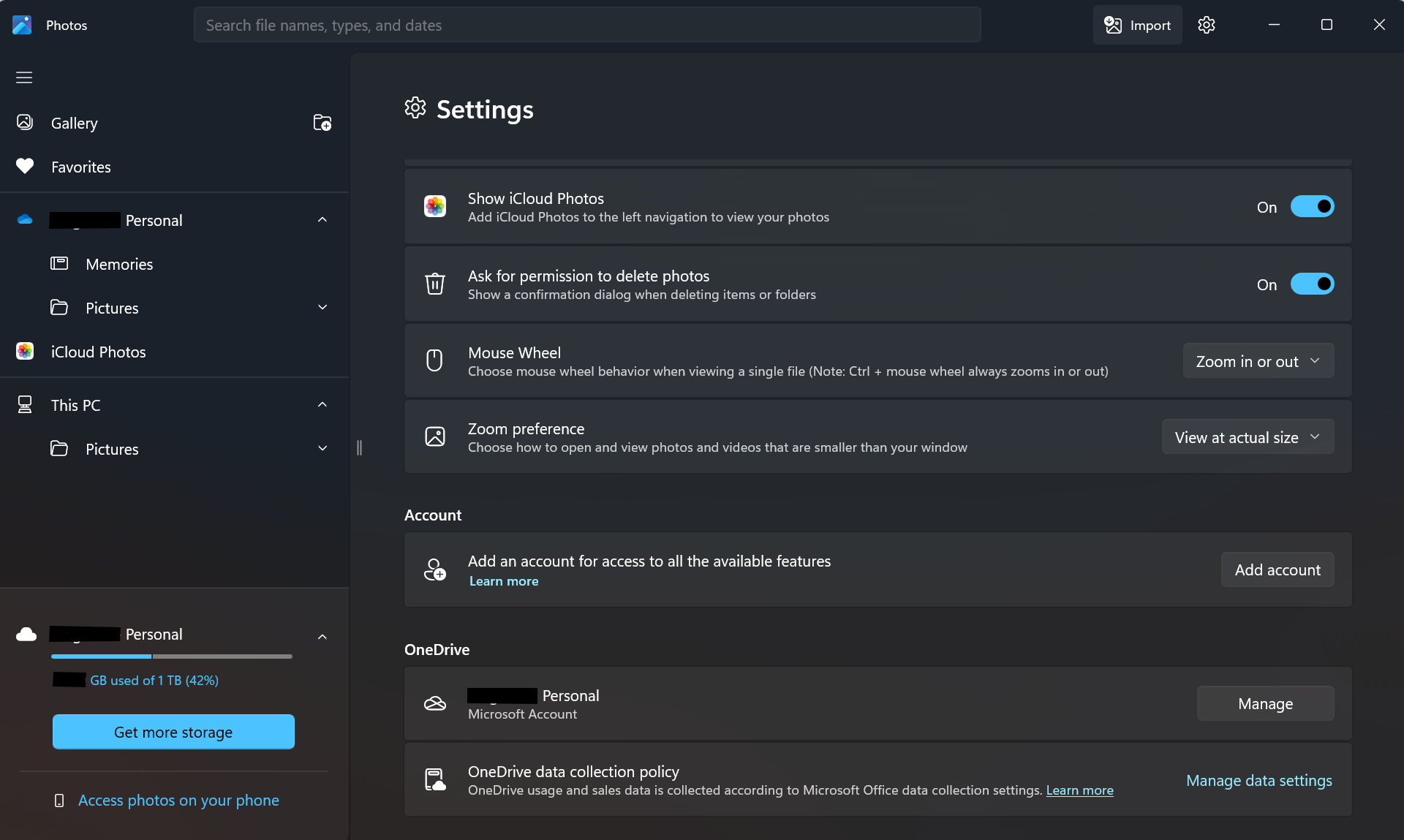
It gets even stranger. Scrolling down the settings page, for those of us with lower resolution screens, a user sees under Account, an option to add an account.
Wait, what? I'm signed into OneDrive with my account as shown by the OneDrive section below the Account section, and my account is somehow still not signed in?
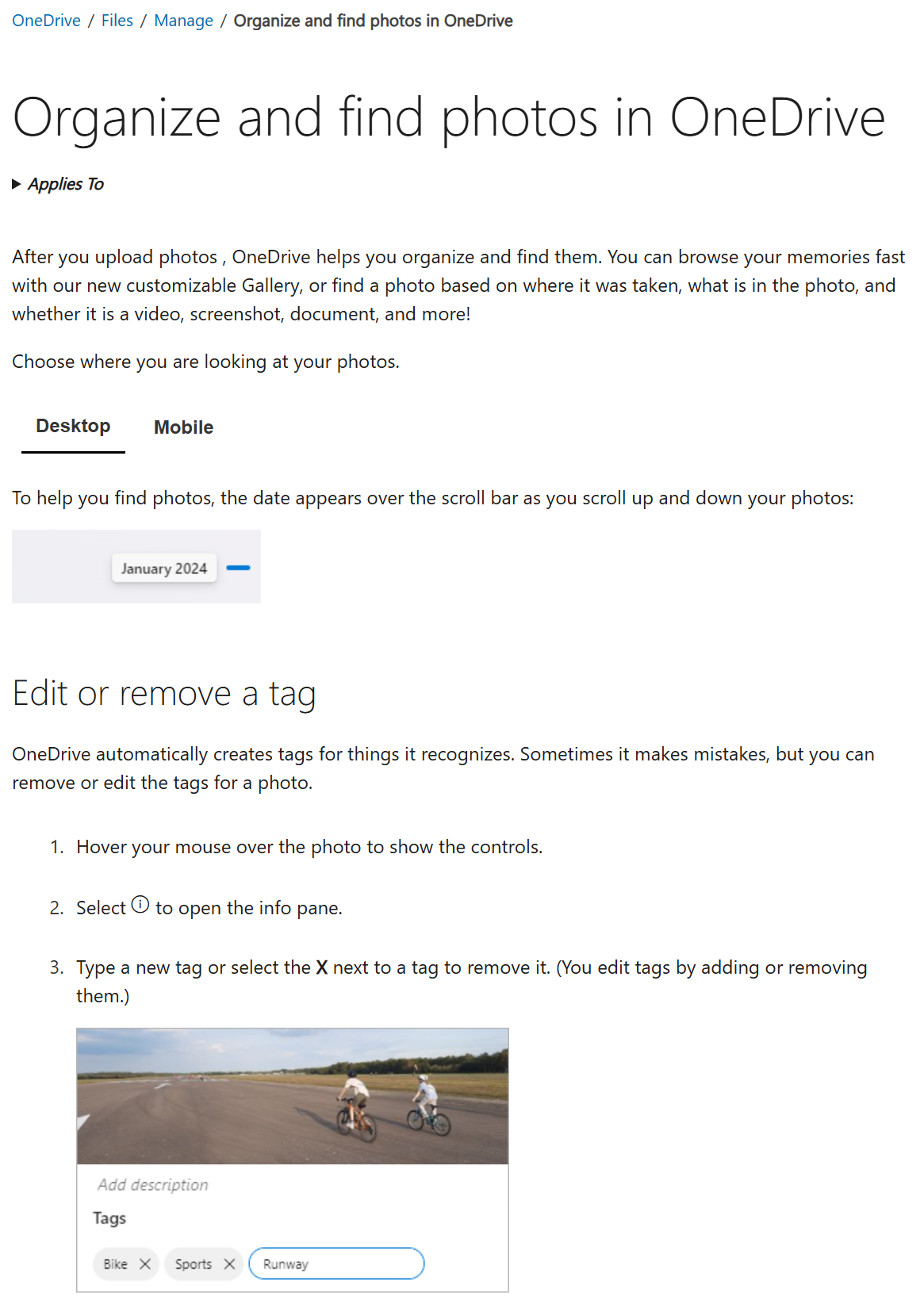
OK, so perhaps there is a reason. There's a Learn more link to find out how an account helps with access to all the available features.
Bug: The link takes you to a page that does not explain what all the available features are when you sign in with an account.
My best guess is Photos might tag photos of the person with the signed in account, which could be different from the person that is signed into OneDrive.
OK ... let's go with that assumption.
- I click on Add account.

- I select the account that is already listed then click on Continue.
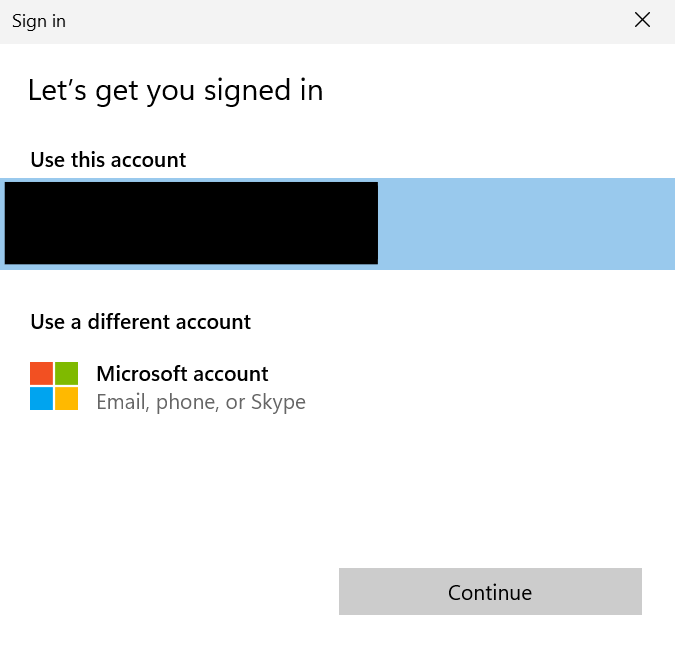
- My account is now added.

I went through a 3-click process for no clear reason. I went through 3 clicks and I am no closer to understanding what the benefit of adding the account is.
A better solution would be a 1-click design. Perhaps a button that say use OneDrive - Personal account. For the record, I'm signed into both by Personal and Business OneDrive accounts. There is no option to add my OneDrive Business account.
Are OneDrive for Business users not allowed to use the Photos app? There's no option to sign in with a work account either in the Account section.
Even if there is clarity as to what all the available features mean, perhaps the best solution is to merge the two accounts/sections for the end user; consumer user in this case.